
Table of Contents
Buying a plot or land is a dream for every middle-class family. You work hard for years, save money, and plan a secure future for your children.
However, the rapid growth in real estate around Bijnor and Seohara has also brought a rise in property scams. Innocent buyers often lose their life savings to fake property dealers.
They buy plots without checking the official government records. Later, they find out the land belongs to someone else or is caught in a legal dispute.
Do not let this happen to you. You do not need to pay heavy fees to lawyers just to do a basic background check.
In this comprehensive guide, I will show you the exact steps for Bijnor property verification online using just your smartphone.
Why Real Estate Scams are Rising in Bijnor
Bijnor is developing fast. Highways are expanding, and new residential colonies are popping up everywhere.
This rapid development is a golden opportunity for investors. But it is also a playground for fraudsters who take advantage of innocent buyers.
Many dealers sell agricultural land without getting the proper Section 143 conversion. Others sell the same plot to three different buyers using fake documents.
The biggest mistake buyers make is trusting the dealer’s words instead of verifying the facts. Doing a Bijnor property verification online is your first line of defense.
Step-by-Step Guide: Bijnor Property Verification Online
The Uttar Pradesh government has digitized all land records. The official portal is called ‘UP Bhulekh’.
You can check the real owner of any land in Uttar Pradesh right from your mobile phone. It is completely free and takes only two minutes.
Follow these simple steps before paying any token amount:
Open the UP Bhulekh Website:
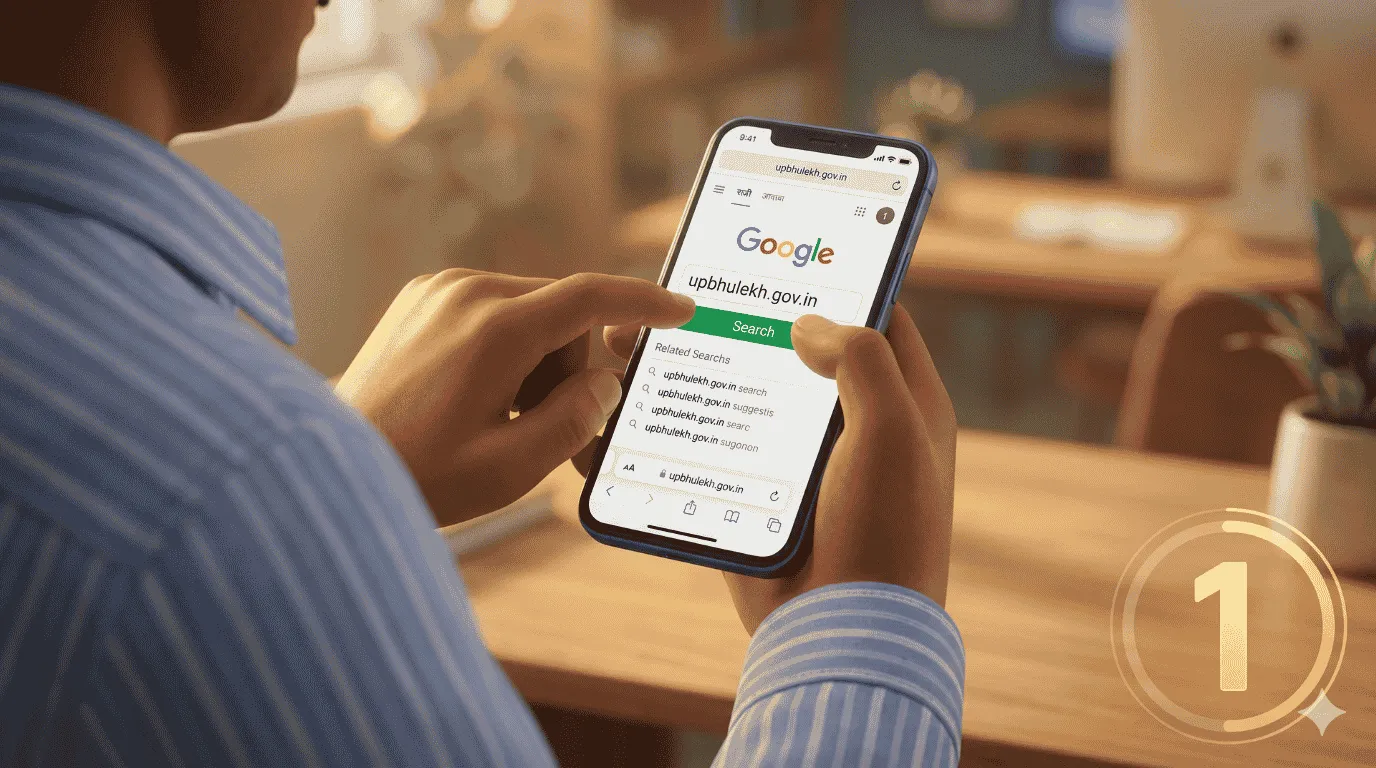
Open Google Chrome on your phone and search for upbhulekh.gov.in.
Select Your District:
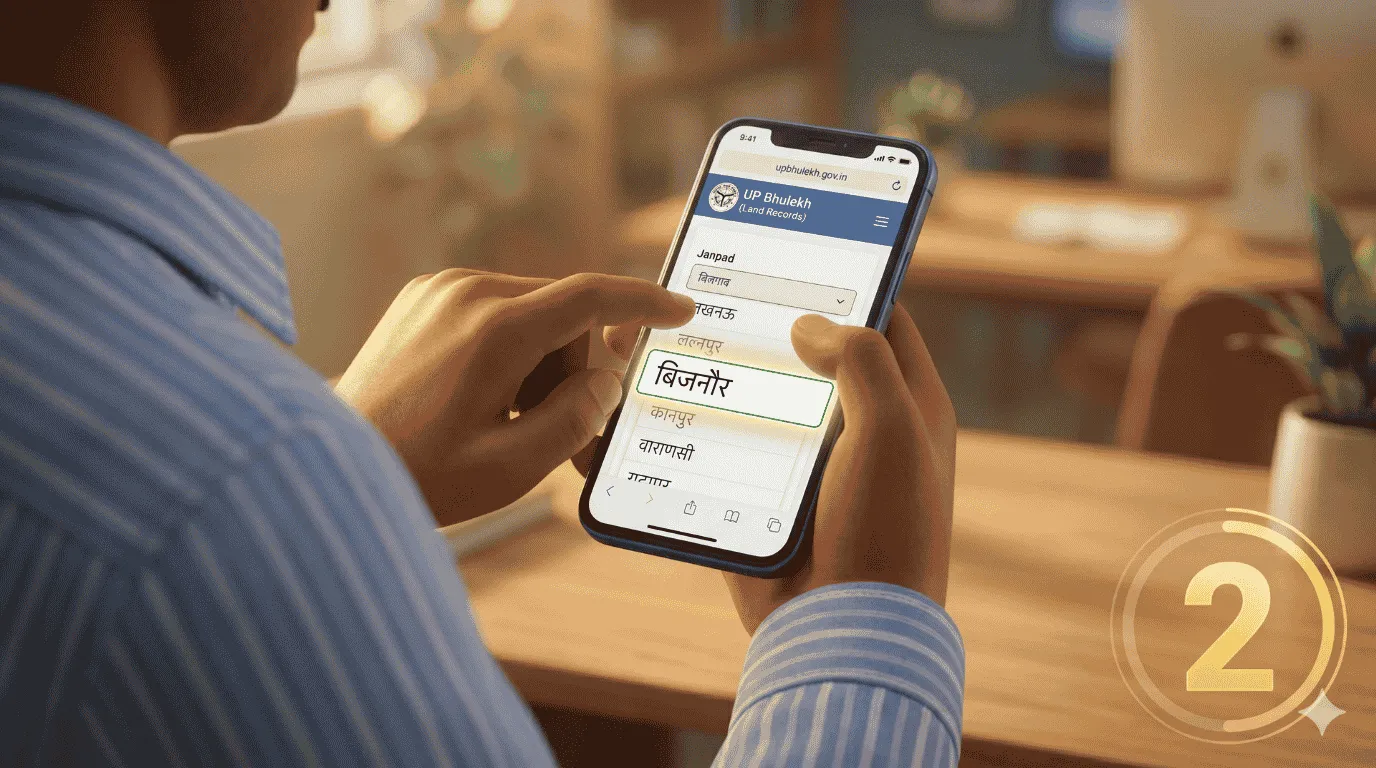
On the homepage, you will see a list of districts (Janpad). Scroll down and select ‘Bijnor’.
Choose the Tehsil:
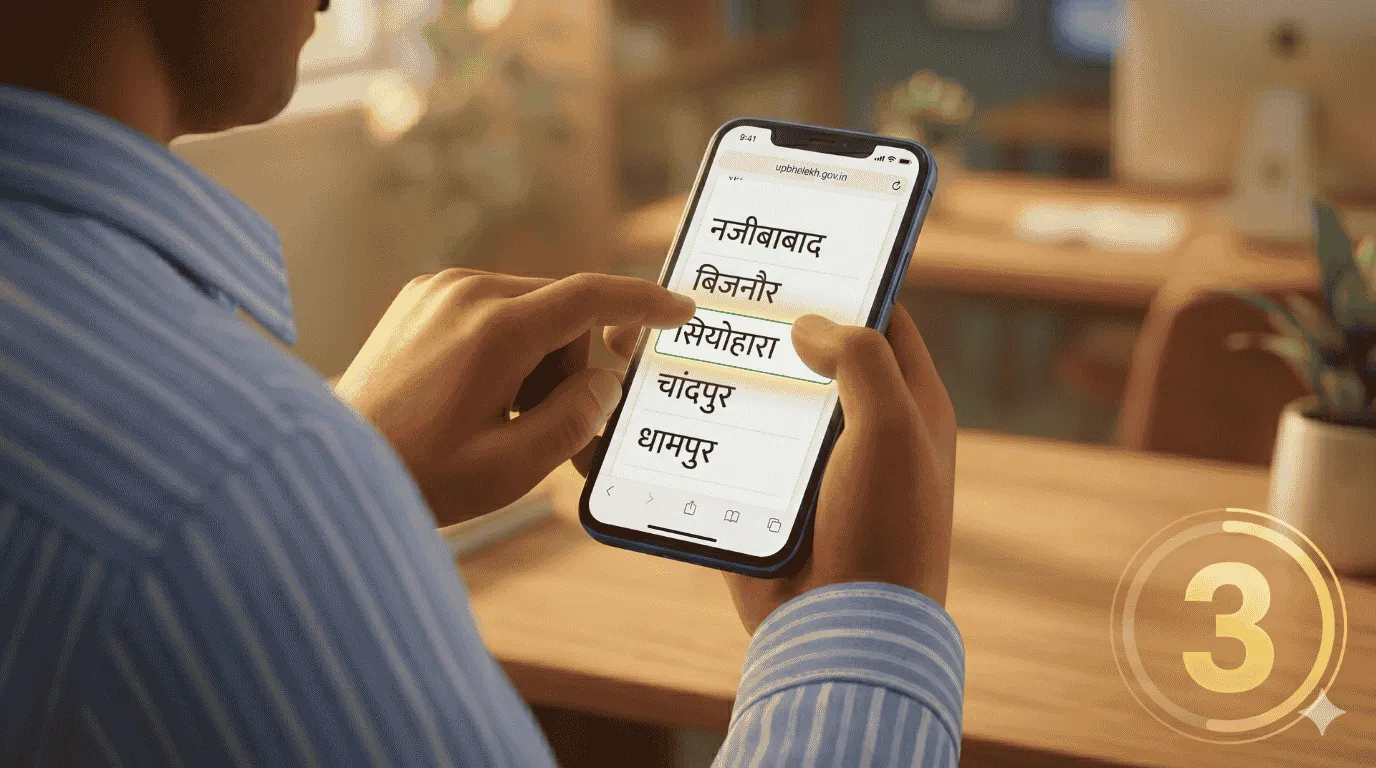
After selecting the district, choose your specific Tehsil (for example, Bijnor, Chandpur, Najibabad, or Seohara).
Find the Village (Pargana):
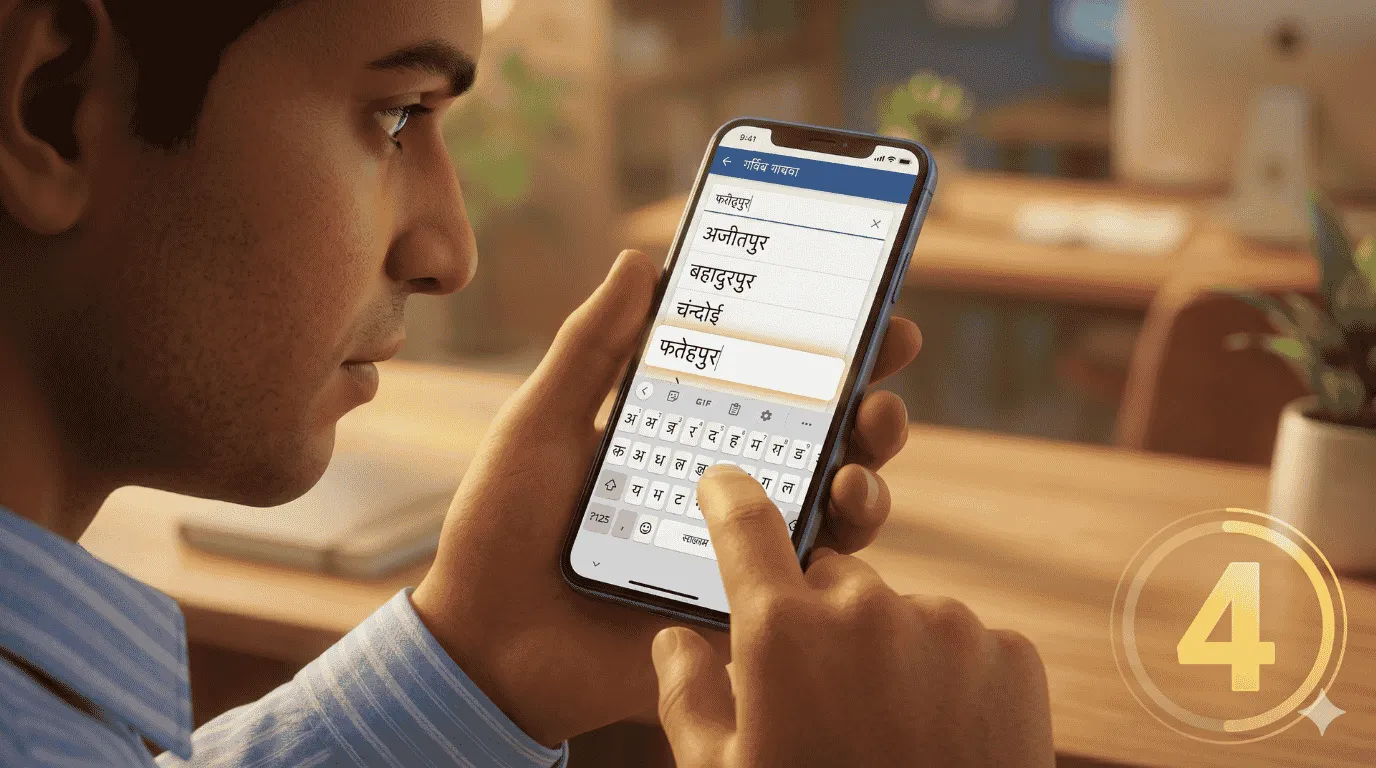
Select the exact village where the plot is located. You can use the Hindi keyboard on the screen to find the first letter easily.
Search by Khasra or Name:
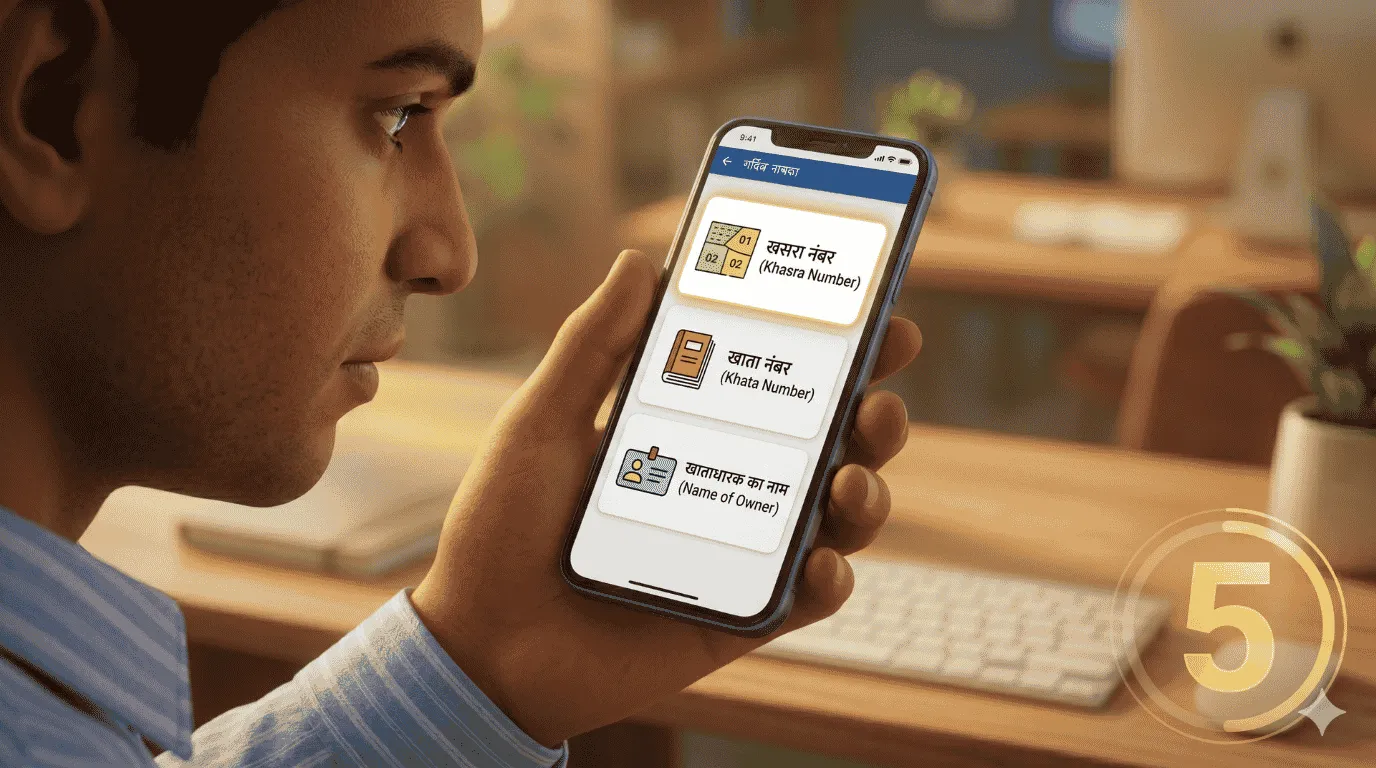
You will get three options to search. You can search by Gata/Khasra number, Khata number, or the owner’s name (Khatedar).
View the Exact Record:
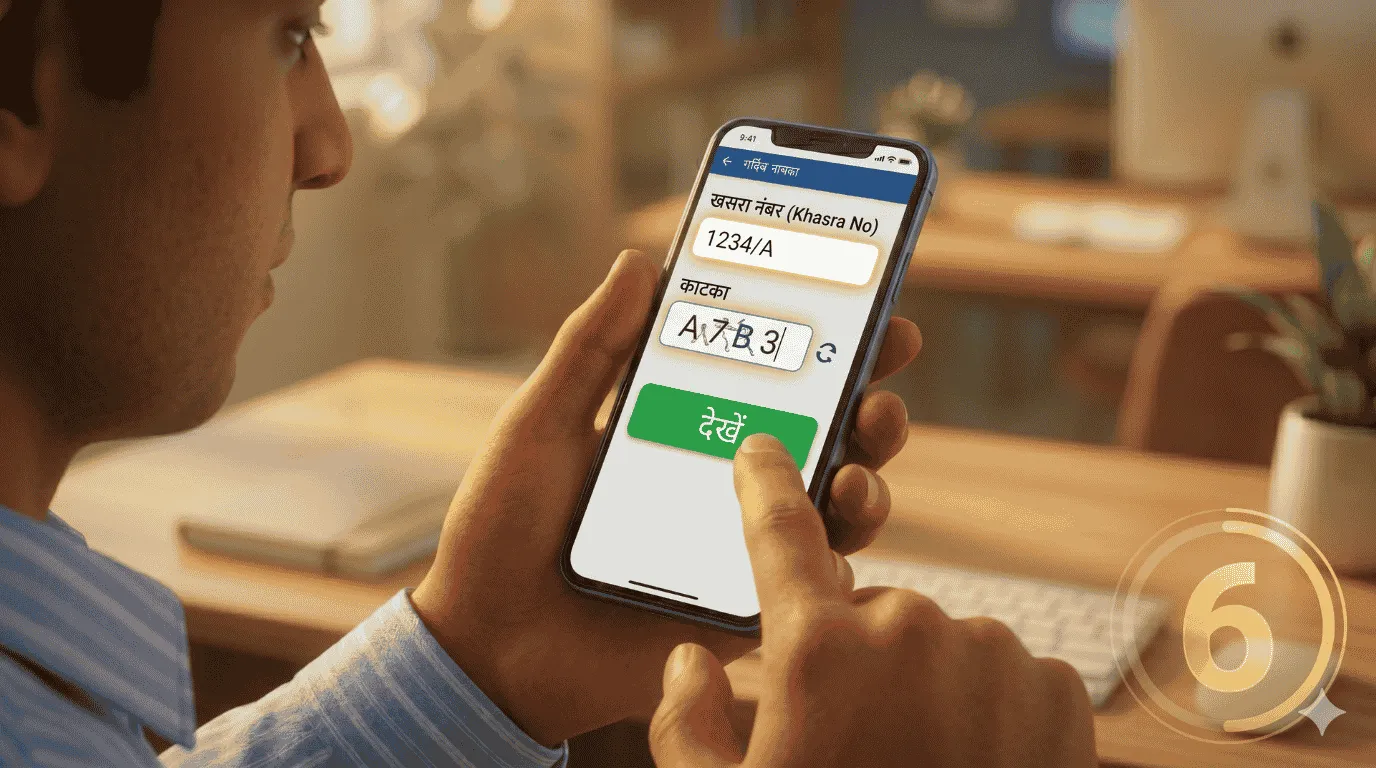
Click on ‘Uddharan Dekhein’ (View Extract). You will have to fill in a simple captcha code.
Read the Khatauni:
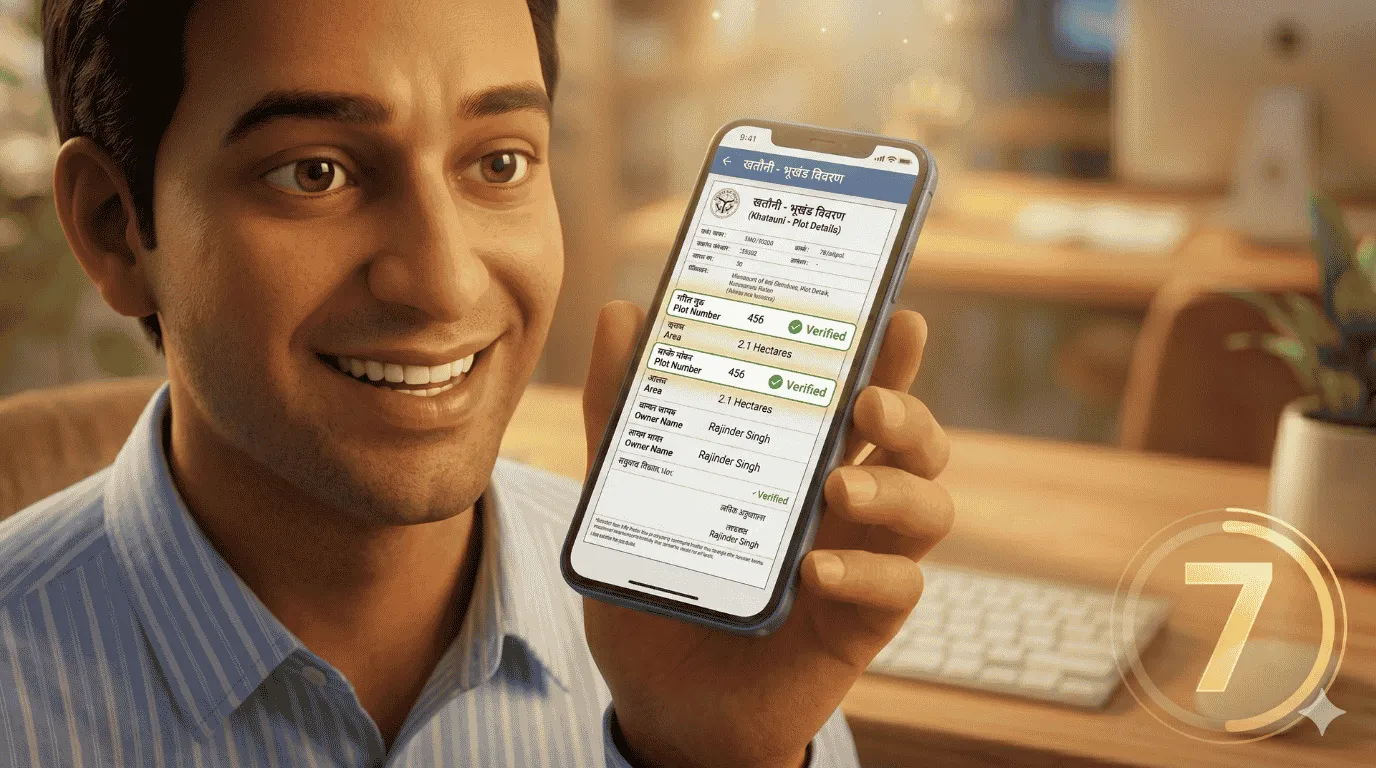
The screen will now show the official ‘Khatauni’. You can see the real owner’s name and check if there is any bank loan or court case on that land.
Important Land Terms You Must Know
If you are buying property, dealers will use heavy words to confuse you. You must understand what these basic terms mean.
Here is a quick reference table to help you understand land documents easily:
| Land Term | Simple Meaning | Why It Is Important |
| Khasra / Gata Number | A unique ID number given to a specific piece of land. | It tells you the exact location and size of the plot on the government map. |
| Khatauni | The official government document showing the land’s ownership details. | It proves who the real, legal owner of the property is right now. |
| Dakhil Kharij (Mutation) | The process of changing the owner’s name in government records after a sale. | Buying land is not enough; your name must be updated in the Khatauni to be the legal owner. |
| Section 143 (143 Pramaani-karan) | A legal order converting farming land into residential land. | You cannot legally build a house on agricultural land without this order. |
The Ultimate Pre-Purchase Property Checklist
Never finalize a property deal in a hurry. Always take your time to verify the facts.
Keep this checklist handy. Tick off every single point before you hand over your hard-earned money to a property dealer:
- [ ] Match the Owner’s Name: Check the seller’s ID card and match the exact name with the online Khatauni.
- [ ] Check for Dakhil Kharij: Ensure the current seller has their name registered in the government records, not just an old registry paper.
- [ ] Look for Red Marks: On the Bhulekh portal, check the ‘Remarks’ section for any bank loans, government acquisitions, or family disputes.
- [ ] Verify 143 Conversion: If you are buying a plot in a colony, ask the dealer for the Section 143 conversion copy.
- [ ] Talk to the Neighbors: Always visit the plot physically. Talk to the local farmers or neighbors to confirm the real owner.
- [ ] Do a Bijnor Property Verification Online: Always do the digital check yourself. Never rely on screenshots provided by the dealer.
Conclusion
Buying property should bring joy to your family, not endless court cases and stress.
A simple Bijnor property verification online can save you from losing lakhs of rupees. The tools are available, free, and completely digital.
Always remember: verify before you buy. Your money is precious, so protect it with the right information.
Stay alert, and make smart investment decisions for your family’s future.
Frequently Asked Questions (FAQs)
Q1: Is the UP Bhulekh website data legally valid?
Yes, the data on the UP Bhulekh portal is official government data. However, for court purposes or official registrations, you will need a certified copy (Prumanit Prati) from your local Tehsil or Jan Sewa Kendra.
Q2: Can I check if a property has a bank loan online?
Yes. When you do a Bijnor property verification online and open the Khatauni, check the ‘Amaldaramad’ (Remarks) section. If the land is mortgaged to a bank, it will be clearly written there in red or black text.
Q3: What happens if I buy a plot without Dakhil Kharij (Mutation)?
If you buy land but do not complete the Dakhil Kharij, your name will not appear in government records. The previous owner could potentially sell the same land to someone else, causing massive legal trouble.
Q4: Is it safe to buy a plot on agricultural land?
No, it is highly risky. You cannot legally construct a residential house on agricultural land. Ensure the developer has obtained a Section 143 conversion from the local authorities before buying.
Author Box (For WordPress)

Name: Anwar Hashmi Role: Chief Editor
Biographical Info: Anwar Hashmi is the Chief Editor at aavaz.in and a seasoned digital publisher dedicated to bringing transparent, high-quality, and actionable journalism to the people of Uttar Pradesh. With a deep-rooted understanding of the local landscape across Bijnor and Seohara, he specializes in simplifying complex administrative, financial, and real estate topics. As a passionate advocate for public awareness, Anwar’s mission is to empower citizens with the right information to make smart, secure, and informed decisions.
Contact: 📧 anwar@sansani.in